How to use Strata
Four steps, in order: set up, pick your industry, learn the ideas behind it, and share what you build. Skip any you already know.
Step 1
Set up
Open the builder, or start from a template that already holds a worked example. Either way you get your own editable copy in the browser, with nothing to sign up for.
Then make it yours. Name your levels, the rows of the tree, in the words your organization uses. Open Setup to add the decisions your organization makes about its assets and the lifecycle stages they happen in. Data points link to those decisions, and that link is what the rest of Strata reads from.
Step 2
Pick your industry
Each template is a complete example for one industry. Choose the closest and change what does not fit.
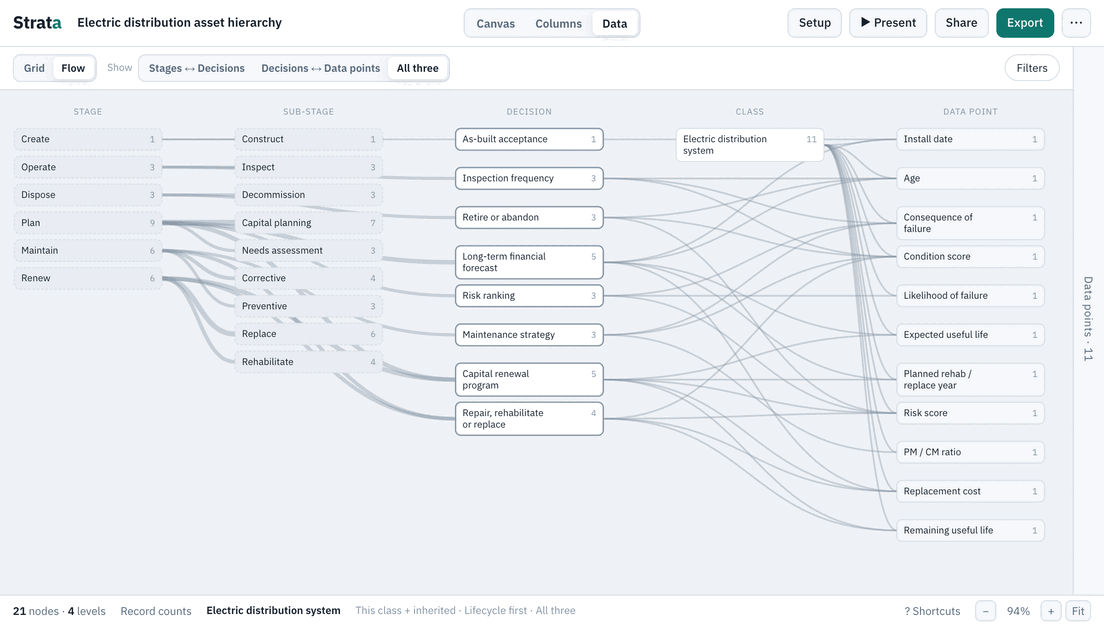
Electric distribution
21 classes · 23 data points · 14 decisionsOpen template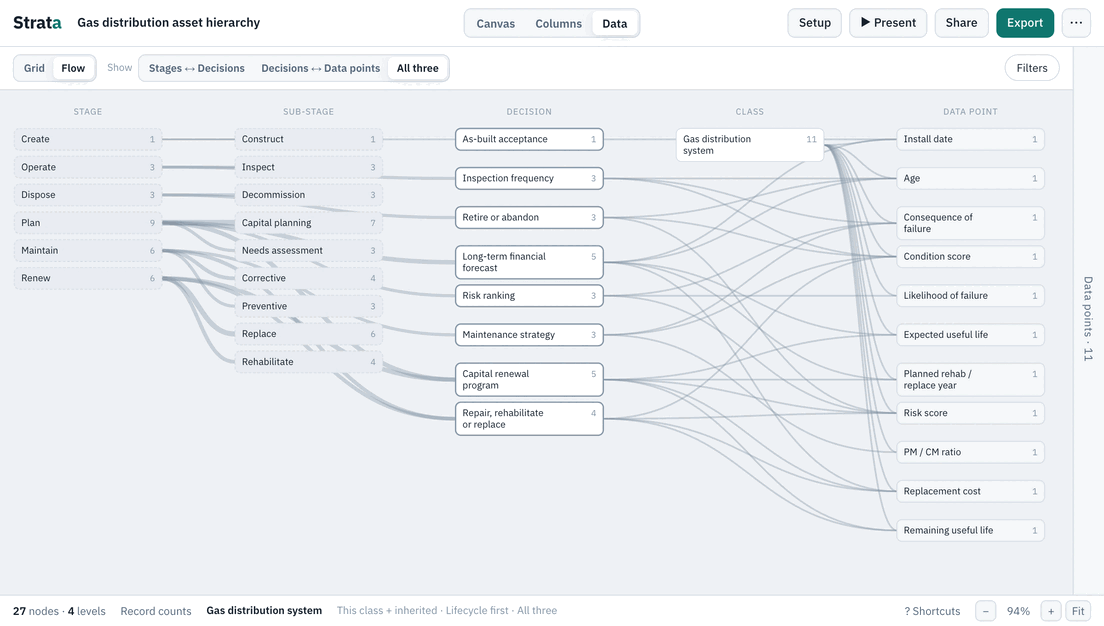
Gas distribution
27 classes · 33 data points · 14 decisionsOpen template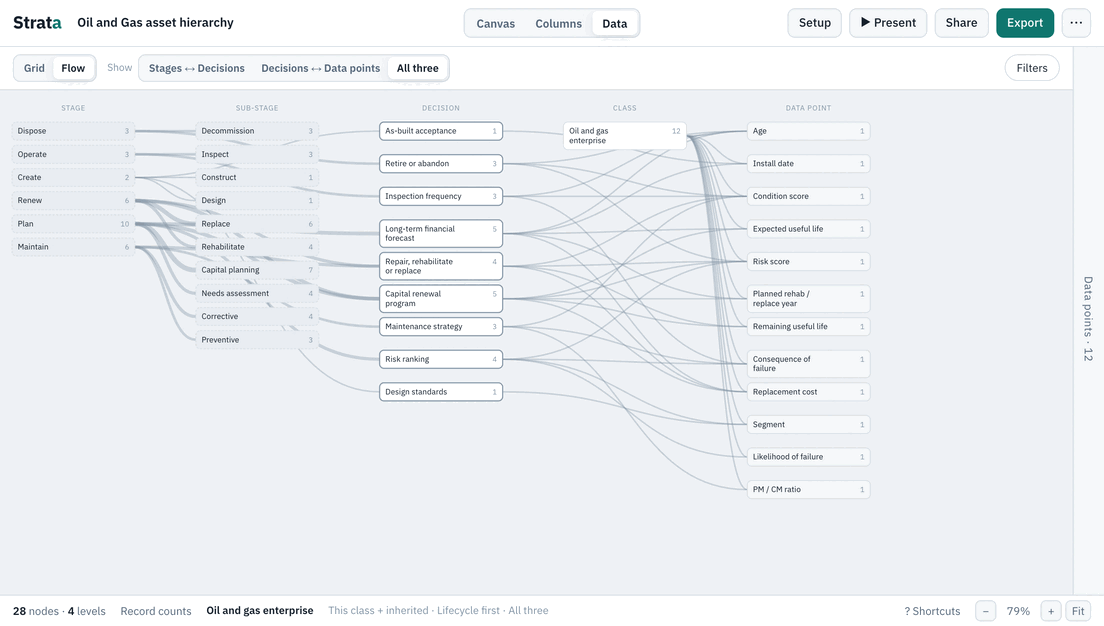
Oil and Gas
28 classes · 23 data points · 15 decisionsOpen template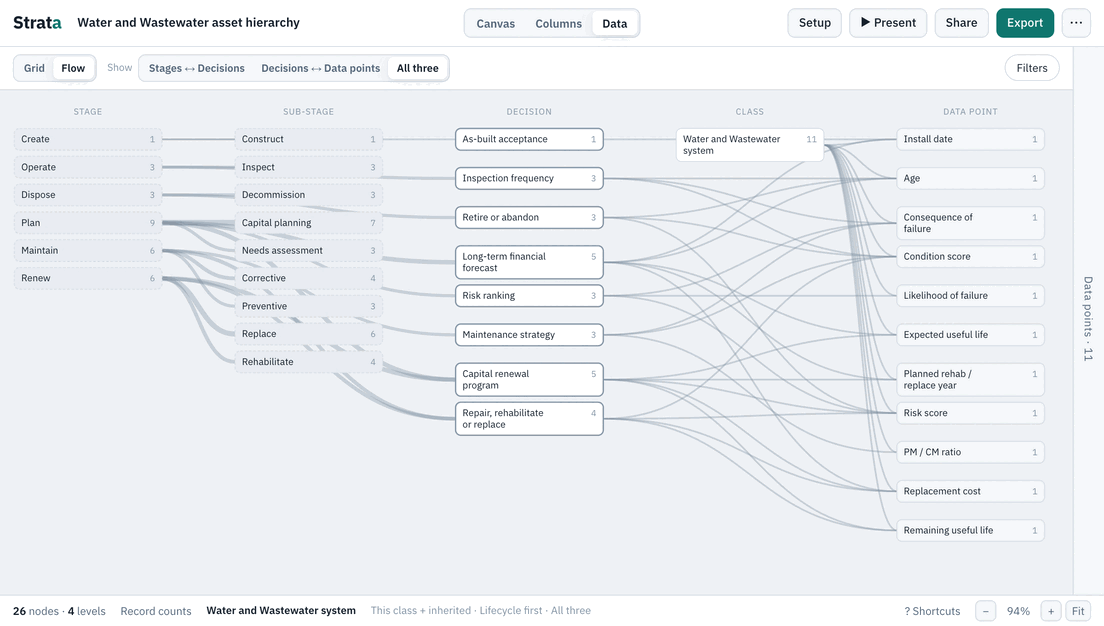
Water and Wastewater
26 classes · 27 data points · 15 decisionsOpen template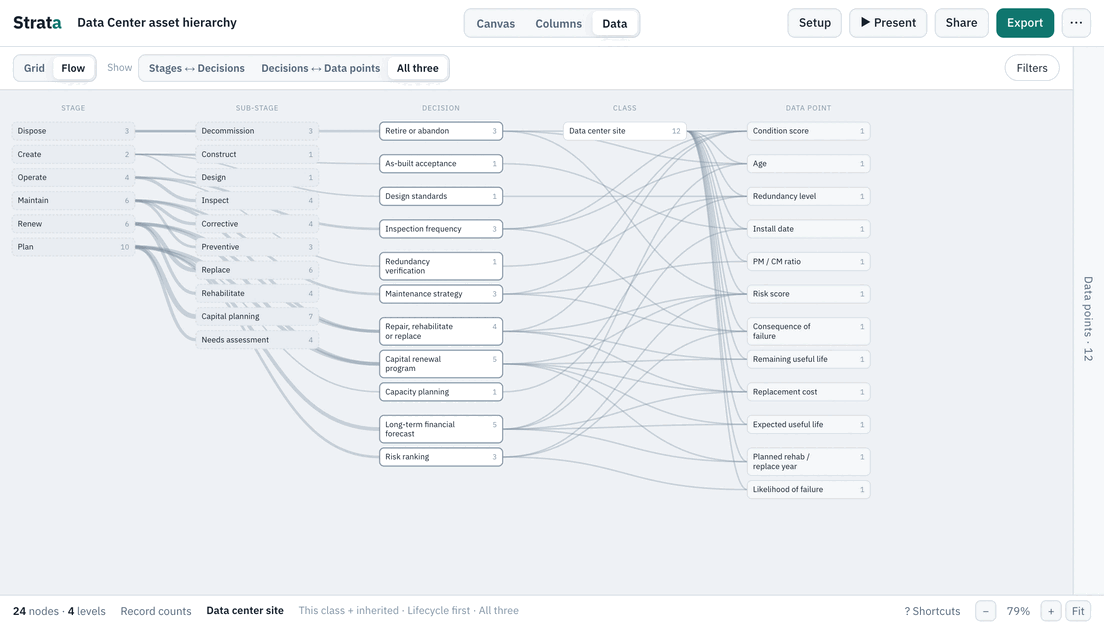
Data Center
24 classes · 21 data points · 14 decisionsOpen template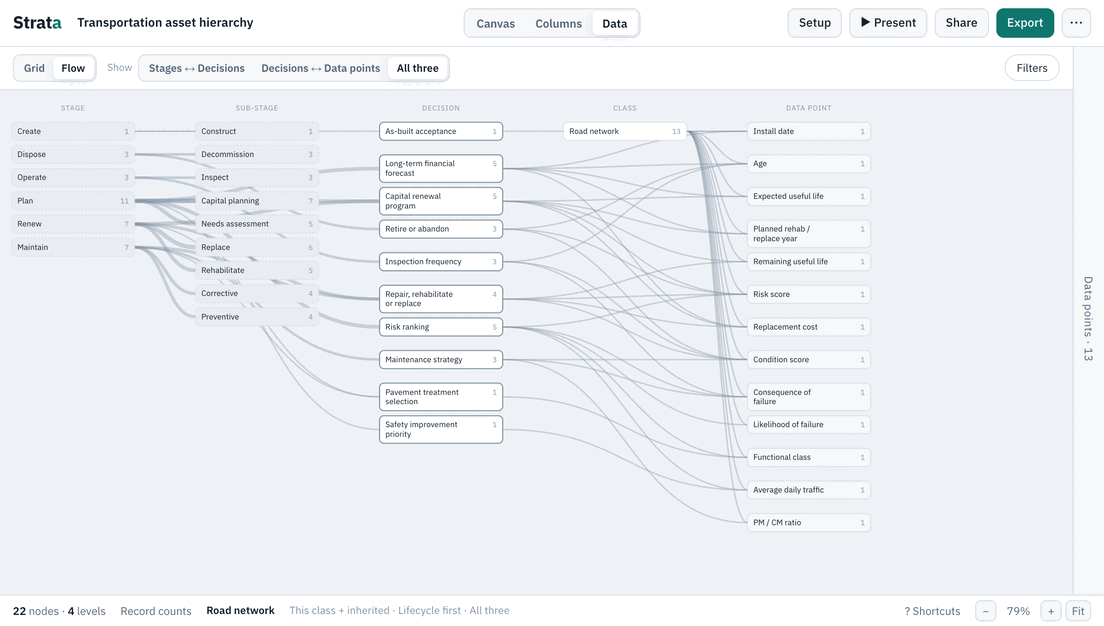
Transportation
22 classes · 24 data points · 14 decisionsOpen template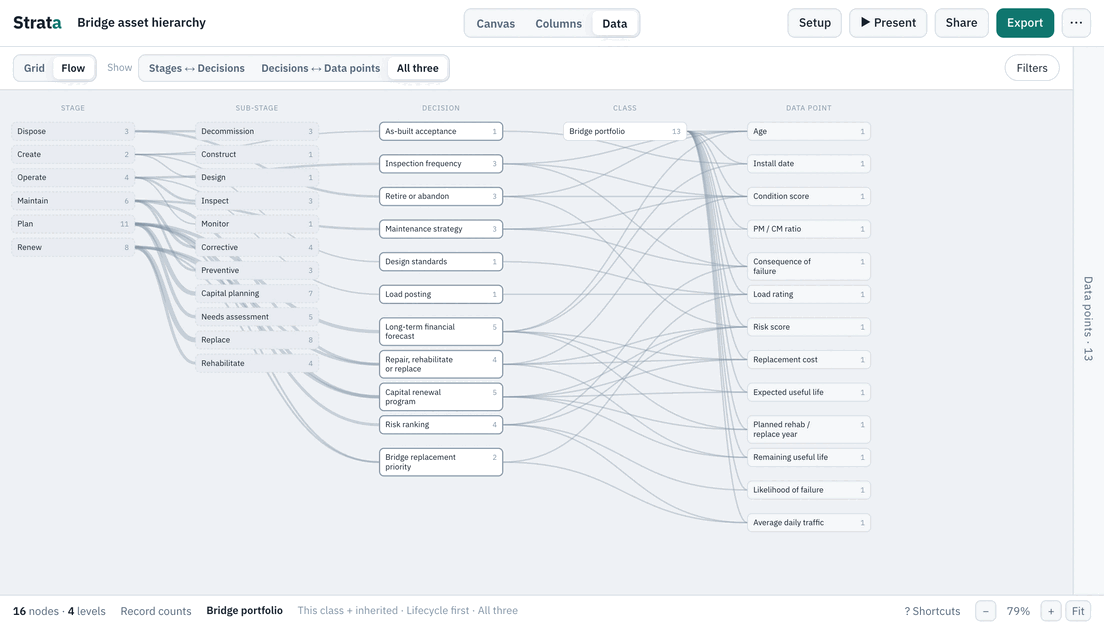
Bridge
16 classes · 21 data points · 14 decisionsOpen template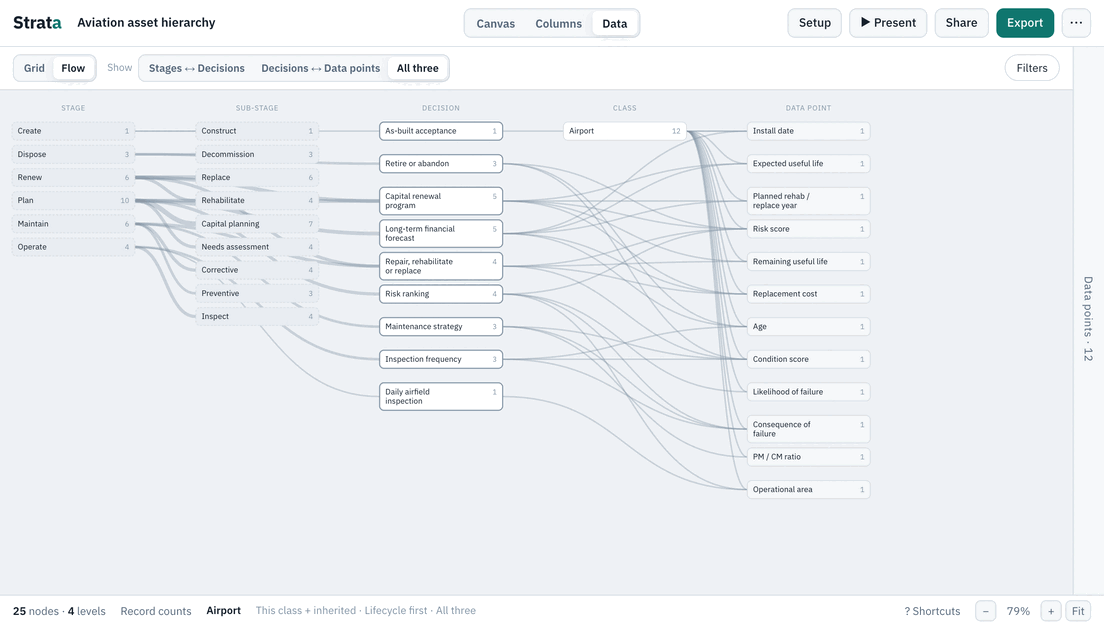
Aviation
25 classes · 23 data points · 15 decisionsOpen templateStep 3
Learn the concepts
Ten short guides, grouped by what you are trying to do. Read the first group before the others. All guides lists them with a summary of each.
Foundations
What a hierarchy is, what it is not, and the words and stages the templates use.
- What is an asset hierarchy? The pillar: levels, classes and instances, common patterns, and the mistakes to avoid.
- Hierarchy vs. relationships Classification, connections and decisions are three different questions.
- Asset data glossary Plain definitions of the terms the templates use.
- Lifecycle stages and PCOAR How PCOAR maps to six plain-English stages.
Systems
Taking an agreed standard into the systems that hold the data, and into the plan that funds them.
- Hierarchy, EAM, CMMS and GIS Taking an agreed hierarchy into the systems, and keeping them aligned.
- Digital master plan: asset data Put the hierarchy and data standard in the plan, with a current-to-desired view.
- Effective utility management data The ten EUM attributes and the asset data behind them.
Analytics and AI
Whether the data you hold can answer the questions you will be asked.
- Data readiness for analytics Start from the decision, and find the data you are missing.
- Is your asset data ready for AI? Why context, not just columns, decides the quality of an answer.
- Can your EAM data answer leadership? Start from the questions leadership asks and check the data behind each.